
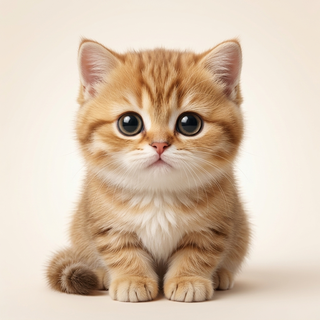
If you miss your cat or dog while you are at your desk, you do not need a whole new productivity system. You might just want a small, familiar face near the document you are working on. Peekoo can turn a photo into an animated desktop companion for Mac or Windows. Think of it as a playful personal reminder, not a pet camera or a replacement for time together.
Pick the photo that looks most like them
The best starting point is not always the most polished photo. Choose the one that shows the details you would recognize immediately: uneven ears, a dark patch around one eye, a familiar expression or the shape of their face. Use a clear, well-lit picture with one subject and as little obstruction as possible.
A full-body image gives the generator more information about proportions and markings. A face-only photo can still be a starting point, but the unseen body has to be interpreted. If the paws, ears or tail matter to you, include them in the photo rather than expecting the app to infer them exactly.
- Use your own photo or one you have permission to upload.
- Avoid faces hidden behind hands, toys or heavy filters.
- Keep a copy of the original so you can compare the result.
Choose a look, not an exact copy
Peekoo offers nine styles. A plush or chibi interpretation emphasizes a rounded silhouette; pixel art simplifies the character into fewer shapes; semi-real aims for a less stylized look. None is a promise to preserve every strand of fur or every marking.
Start with what you want to recognize at desktop size. A small figure has less room for detail than a photograph, so a distinctive face and silhouette often matter more than tiny accessories. You can preview the available visual directions in the photo guide before choosing.
Give your tiny coworker a place to hang out
Install Peekoo on your computer and try its built-in companion first. That lets you see whether you enjoy a character sharing your screen before paying for a custom generation. The app is for macOS 14 or later and Windows 10/11, not an iPhone or Android desktop overlay.
For your own pet, open New Pet, choose the photo and style, and activate a paid plan. Custom generation is subject to generation limits. Once the companion is ready, it can walk, climb, type along and nap. Scale it to a comfortable size and adjust the available behavior settings if the movement competes with your work.
Make room for your little coworker
Free download with a built-in pet. Custom photo generation requires a paid plan and is subject to generation limits.