
One clear subject
Use a well-lit photo with the face visible. Avoid heavy blur, filters and objects covering the face.
Your cat, your dog, or a character you created. Give them a tiny place beside your work.
Free download with a built-in pet. Custom photo generation requires a paid plan and is subject to generation limits.
Style examples. Your result is generated from your own photo and may vary.
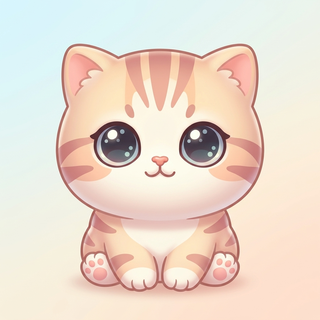
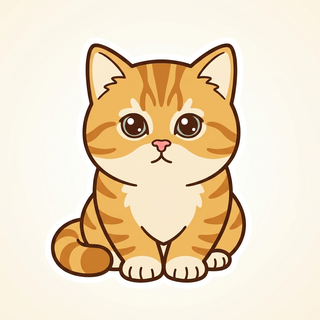
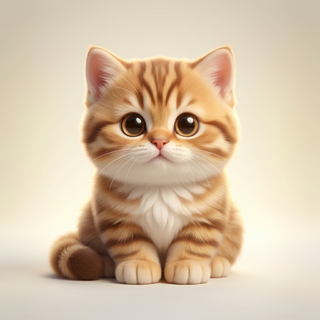
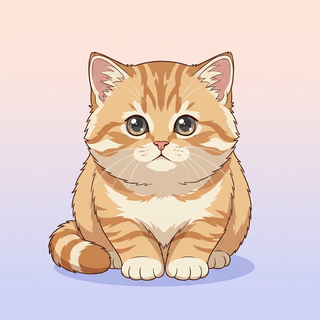
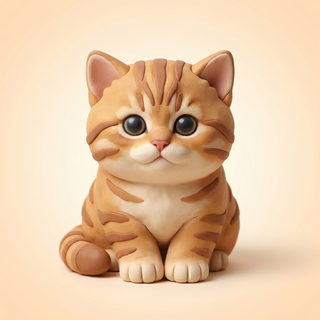
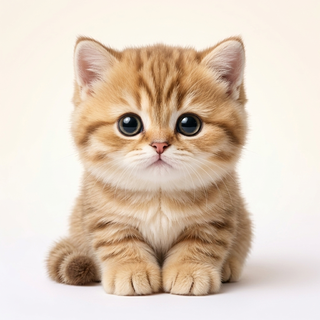
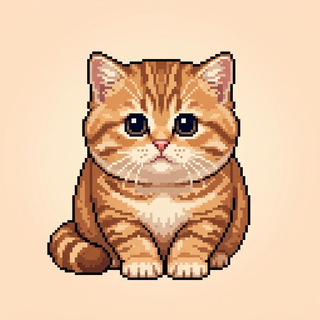
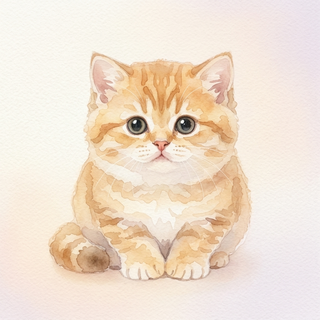
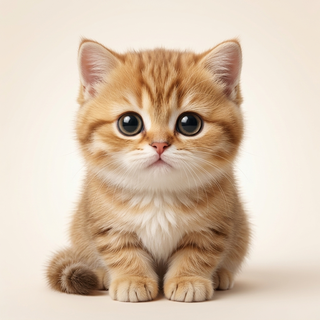
Install on macOS 14+ or Windows 10/11. Try the built-in companion first.
Open New Pet, add your photo, choose a style and activate your paid plan for custom generation.
Let generation finish, then bring the pet onto your desktop. It can walk, climb, type along and nap.
Use a well-lit photo with the face visible. Avoid heavy blur, filters and objects covering the face.
Include distinctive ears, markings or clothes. A close-up does not show the whole body, so unseen parts may be invented.
Chibi and plush simplify details; pixel art uses fewer shapes. AI generation reinterprets the photo rather than preserving every original line.
Yes. Use a photo you have permission to upload, then choose an art style. It creates an animated interpretation, not a live video of your pet.
Peekoo runs on Mac and Windows, not on iPhone or Android. Open this page on your computer to download it.
Uploading a photo to generate a companion does not publish it in a public gallery. Read the Privacy Policy for how generation data is handled.